![How I Cut My AI API Costs by 73% Using OpenRouter Instead of OpenAI [Real Data]](/_astro/Why-I-tried-every-LLM-and-used-Openrouter-to-save-money-for-my-n8n-and-make.com-automations.Dfe8jdex.jpg)
🔥 Key Takeaways:
🔥 Using free LLMs for basic tasks can significantly reduce costs, with some models matching the performance of paid options.
🔥 Implementing a hybrid model with paid LLMs for complex tasks and free models for simple tasks can lead to substantial cost savings.
🔥 Gradually updating workflows with free models and monitoring performance and costs can help achieve the best results.
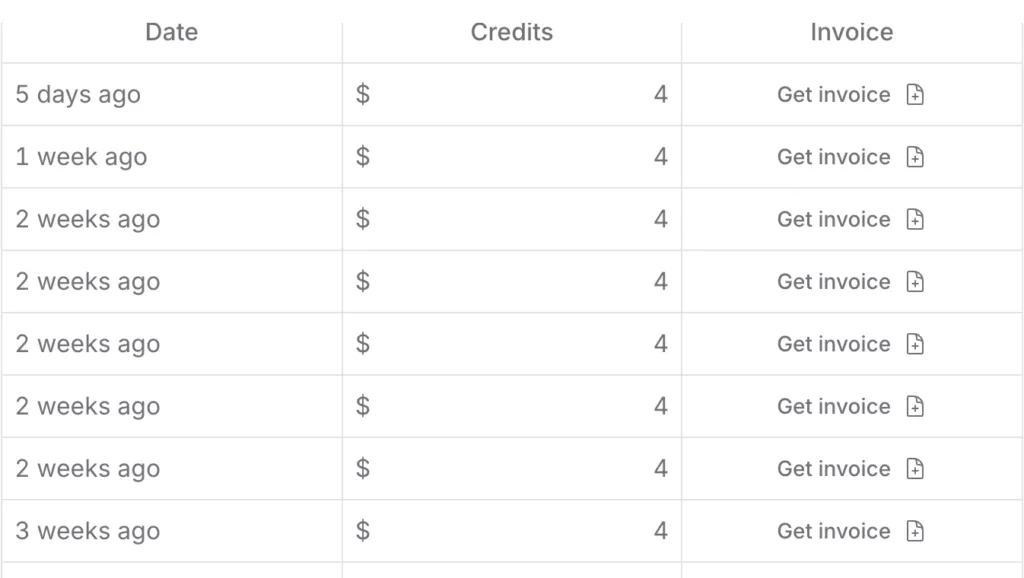
My Openrouter usage bill
https://www.youtube.com/watch?v=HEJc6V1vPRI
Last month, I got a shocking $100 bill for my AI automation credits. I was shocked how fast A.I. api costs can add up. But here’s the good news - I found a way to cut those costs by 80% while keeping my automations running smoothly.
If you’re using n8n or Make.com for AI-powered workflows, you know how quickly those API calls add up. I’ve spent the last three months testing every LLM option out there, from GPT-4 to Claude to Gemini. I’ll show you exactly how I slashed my costs using Openrouter while maintaining high-quality outputs.
The Cost Problem Is Real
I use AI for content creation, linkedin posts, and even labelling my home items. Each workflow seemed cheap at first - just pennies per API call. But with thousands of automated tasks running daily, those pennies turned into hundreds of dollars.
Here’s what I was paying monthly:
-
Content and code generation: $40 (GPT-4)
-
Writing content: $50 (Claude)
-
Social media: $10 (Various LLMs)
The worst part? I was often using expensive models for simple tasks that cheaper or free alternatives could handle just fine.
Free LLMs Changed the Game
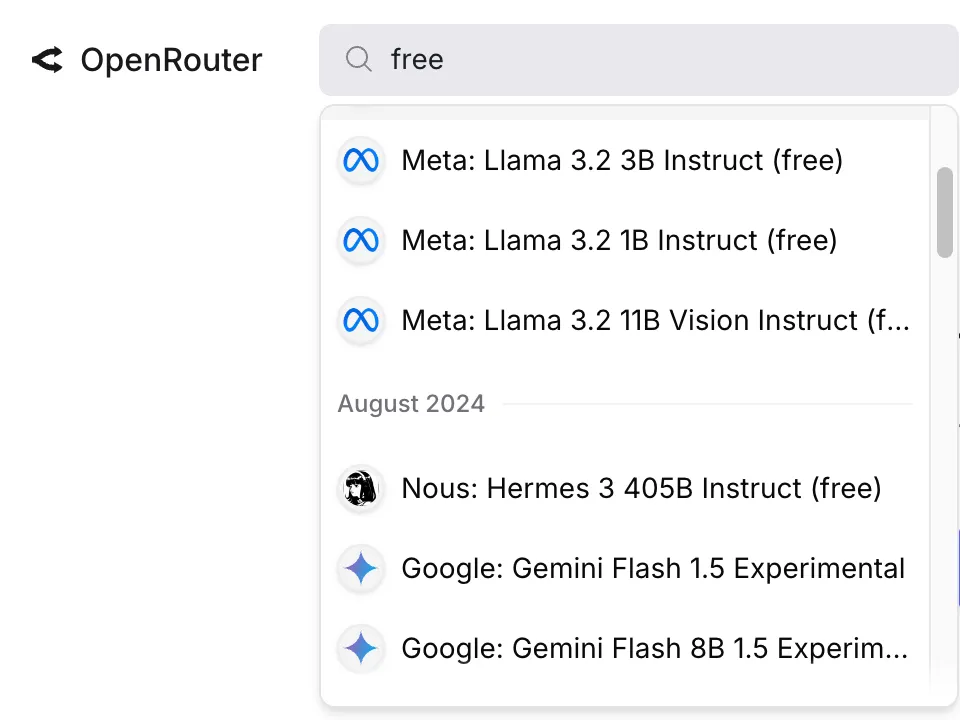
I started testing free alternatives like Google’s Gemini and Meta’s Llama. The results surprised me:
-
Gemini matched GPT-3.5 on basic writing tasks (i.e. keywords, titles)
-
Llama excelled at text classification
-
Both handled sentiment analysis perfectly
For simple tasks like email summarization or basic content creation, these free models worked great. But I still needed premium LLMs for complex work.
-
Basic content = Gemini
-
Data analysis = Llama 2
-
Complex writing = Claude
This strategy alone cut my costs by 60%. But the real magic happened when I started tracking usage patterns.
Making It Work in Your Workflows
n8n doesn’t have a openrouter node, so you’ll need to use the http request node.
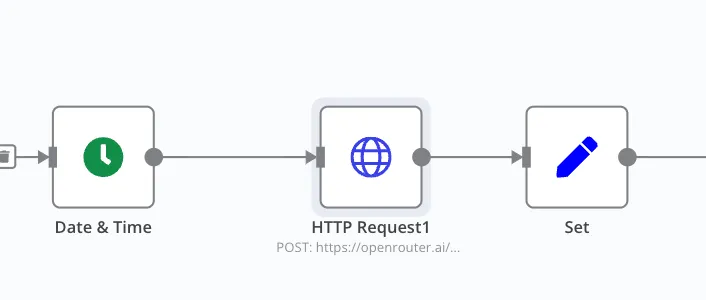
{
"model": "meta-llama/llama-3.1-70b-instruct:free",
"messages": [
{
"role": "user",
"content": "[your prompt instructions here]"
}
]
}
For make.com, you can buy the openrouter module.
The Results Speak for Themselves
After one month:
-
Old monthly cost: $100
-
New monthly cost: $10
-
Quality difference: Negligible
-
Time saved: 2 hours per week
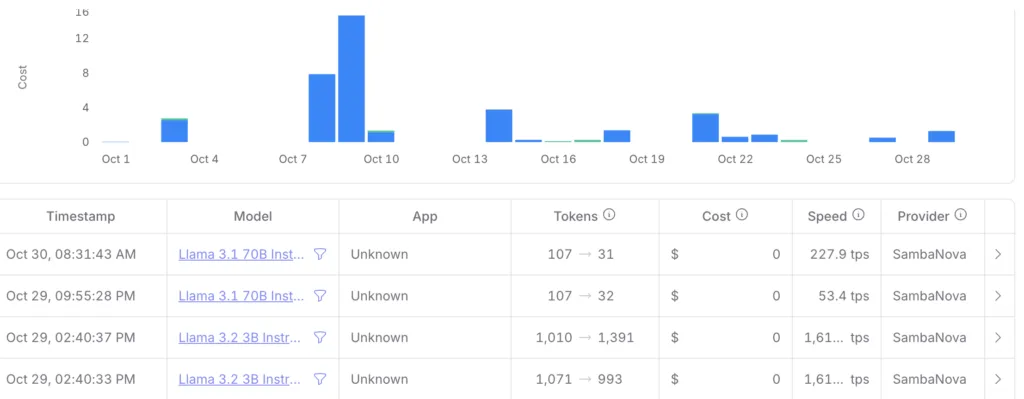
The best part? Seeing $0 charge for my usage.
Take Action Today
-
Sign up for Openrouter
-
Test free models for your basic tasks
-
Update your workflows gradually
-
Monitor performance and costs
Start small. Try one workflow with a free model. Track the results. You might be surprised at how much you can save without sacrificing quality.
Want to learn more? I’ve created a detailed setup guide. Drop a comment below, and I’ll share it with you.